
Certificate and badge designs
These are the designs already built into Open CPD. Every one of them is ready to use on your account, with your logo and your course details composed onto it automatically. Having a bespoke design built and installed is a paid service, so if one of these suits your organisation, that is time and cost you can put to better use elsewhere.
Every sample on this page is a real certificate generated through the platform, not a mock-up.
Choose a design family
The five families run from the most ceremonial to the lightest, so there is something to match how formal you want your certificates to feel. Pick a family, then try the certificate type, orientation and logo options.
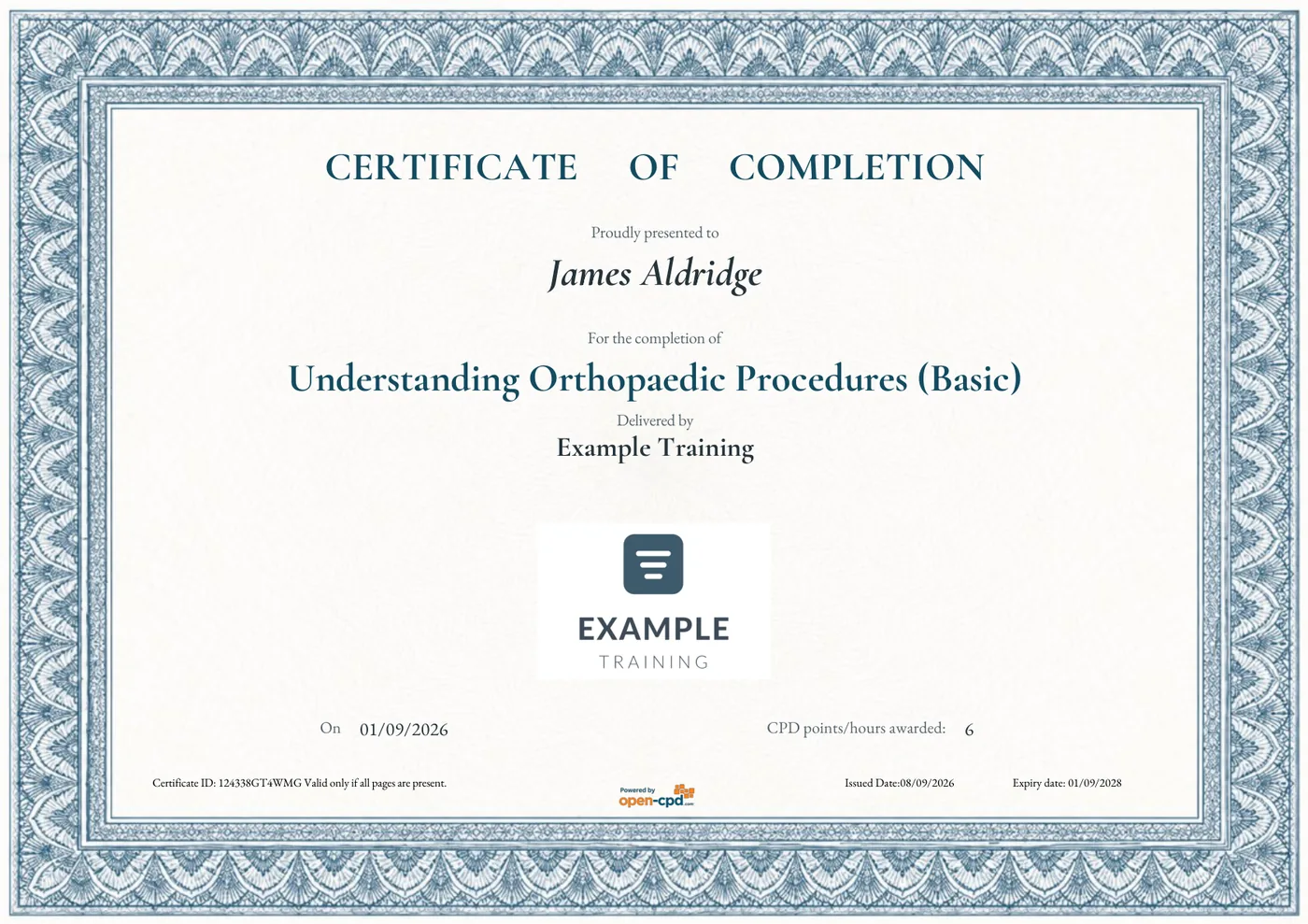
Classic
A finely engraved border that takes its colour from the certificate type. Formal and refined, carrying a little less weight than Traditional.
Certificate type
Orientation
Logos
All five families are available in landscape, in all three certificate types, with either one or two logos. Portrait is available for Classic today, and for Modern completion certificates, with further portrait designs being added.
Three certificate types
The type sets both the wording and the colour. The same family artwork is recoloured for each, so a provider issuing all three still has one consistent look.
Completion
Dark teal
Awarded when someone completes a course. Can carry a score, which appears on the attendee details page inside the certificate.
Attendance
Orange
For events and sessions where taking part is what is being recognised. Does not use a score.
Appreciation
Maroon
For contributors, speakers and volunteers. Does not use a score.
Where your logo goes
One logo
Your own logo sits in the centre of the certificate, below the course and provider details. This is the standard arrangement and suits most providers.
Two logos
Where a course is delivered with a partner or on someone else’s behalf, the certificate carries two equally sized logos side by side. Yours appears under “Delivered by” on the left, and your partner’s under “In partnership with or on behalf of” on the right, each with its own name above it.
The partner is set on the course itself, so the same design works for both arrangements without needing a separate template.
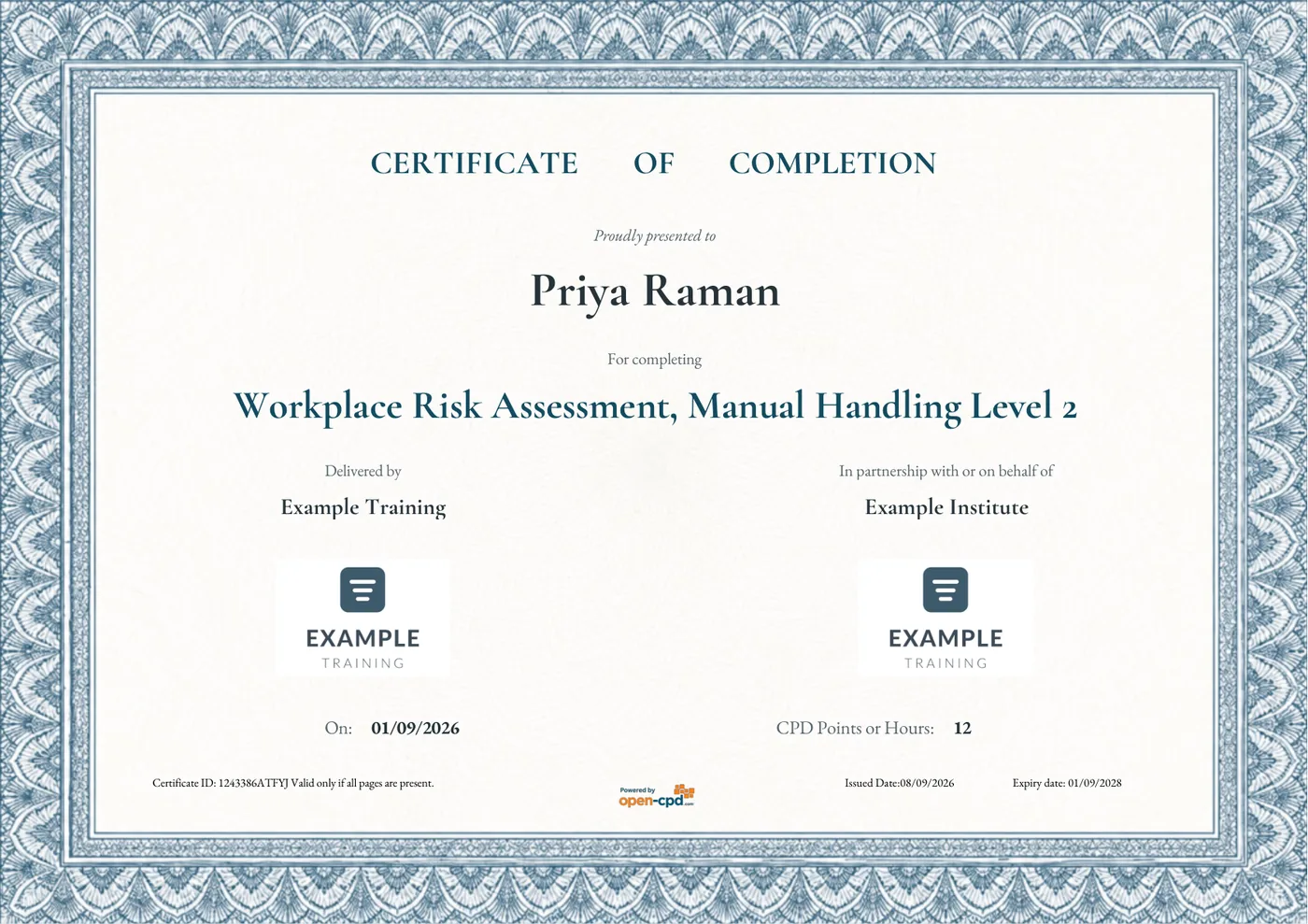
The two-logo arrangement, shown on Classic
Or use our ready-made design
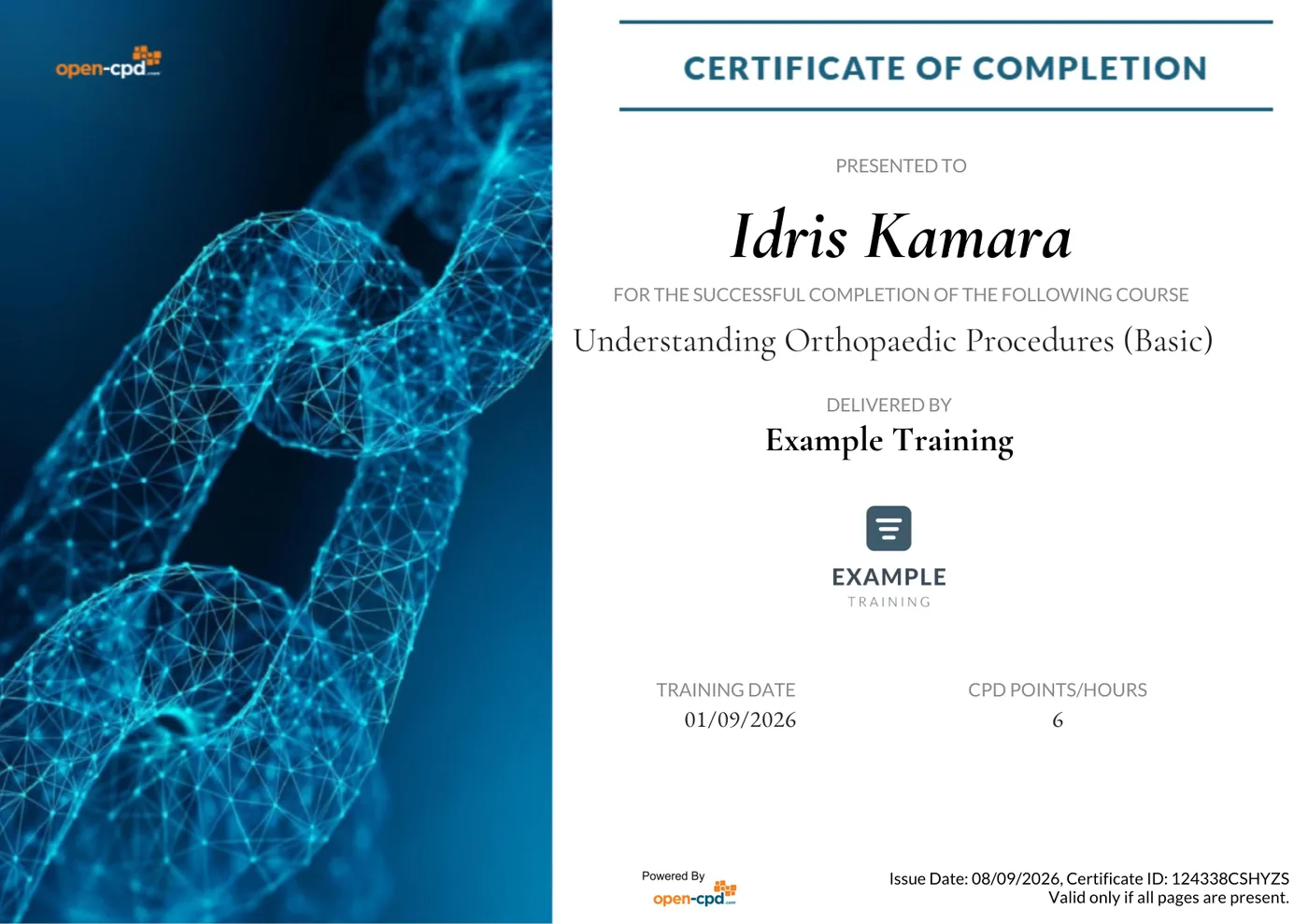
Our own ready-made design, with a full-bleed image panel beside the details. For providers who would rather not supply artwork at all.
It uses a different layout to the five families, with a full-height image panel beside the certificate details. Your logo and details still appear exactly as they would on any other design.
What else is in the certificate
The design you choose is the front page. Behind it sit further pages that carry the full verified record, so the certificate stands up to scrutiny from an employer or a regulator. These pages are the same whichever design you pick.
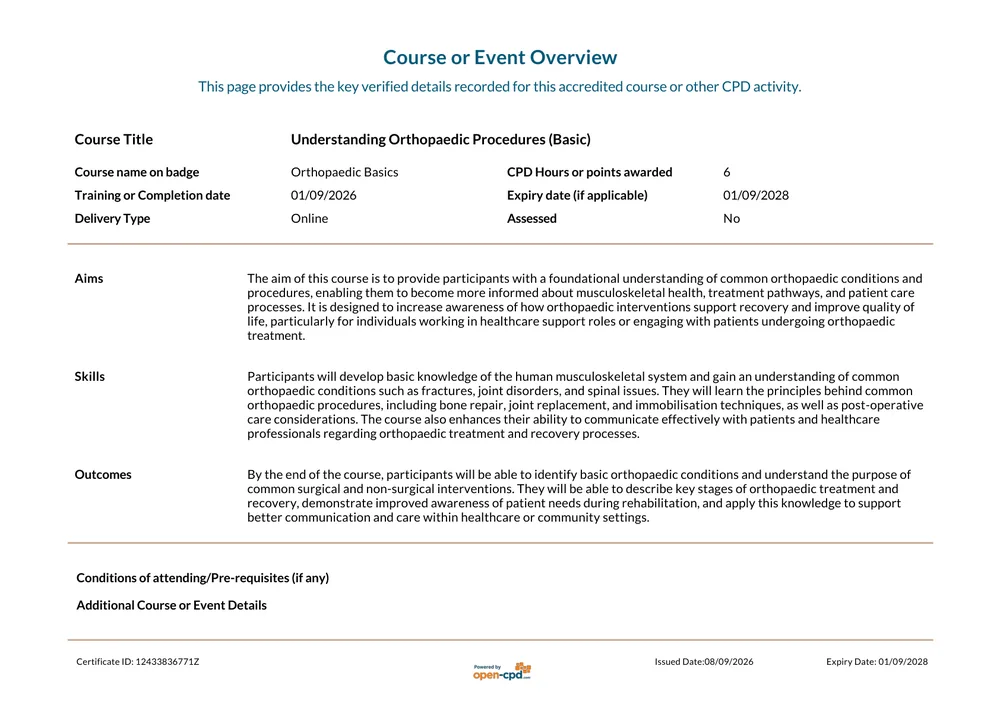
Course or Event Overview
The verified record of what was delivered: title, CPD hours, dates, delivery type and the course aims.
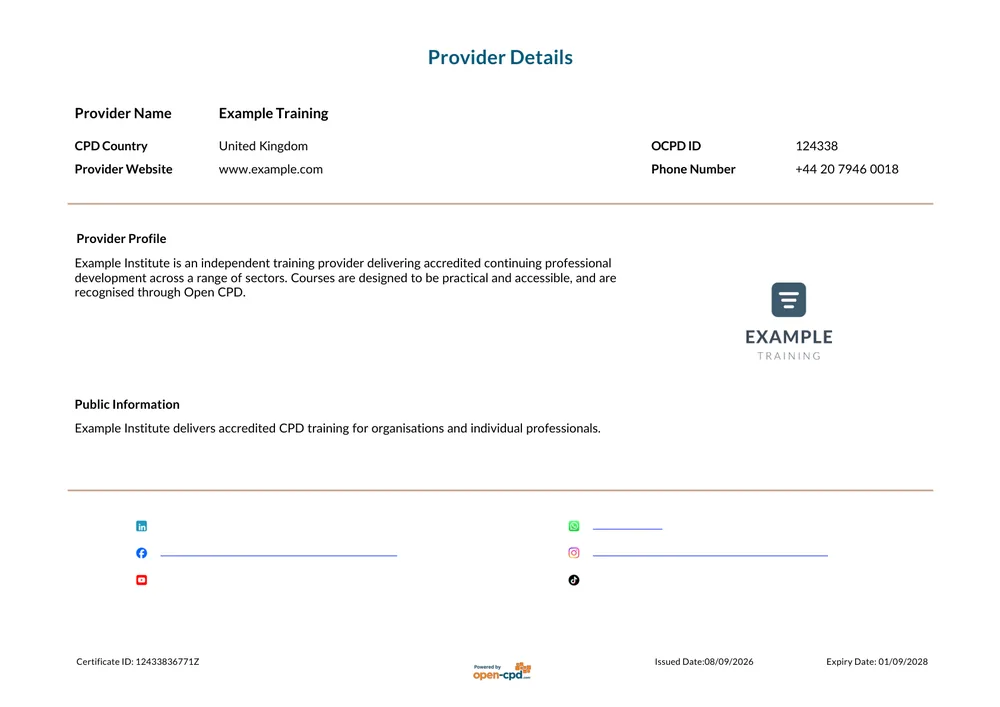
Provider Details
Who delivered the training, including your organisation's profile and contact details.
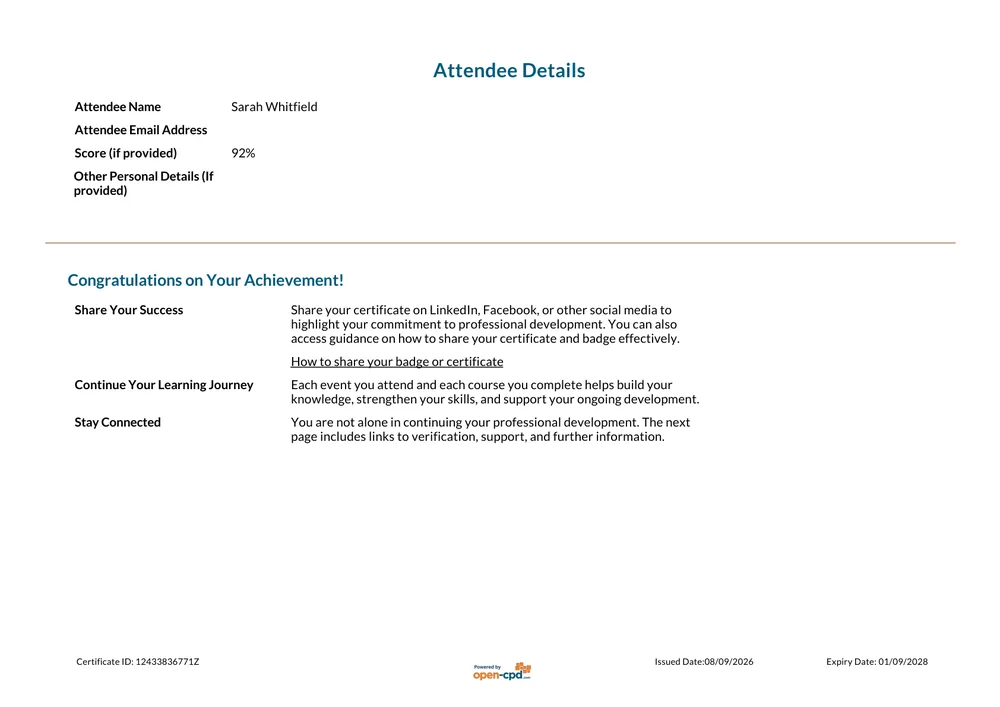
Attendee Details
The recipient's record, any score awarded, and guidance on sharing the certificate.
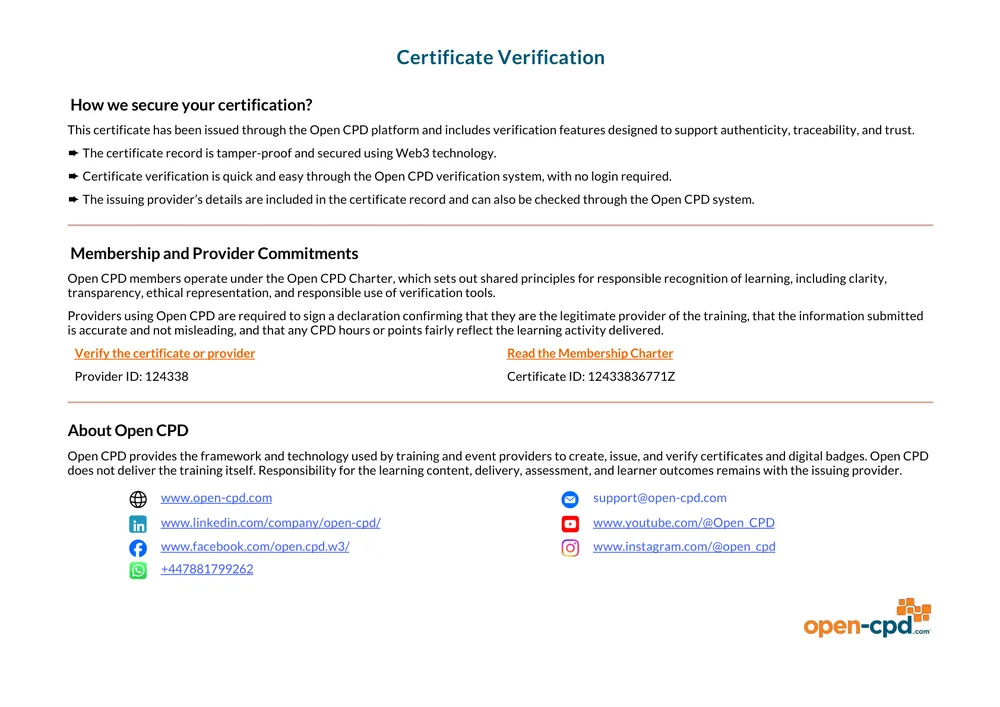
Certificate Verification
How the certificate can be checked, and the commitments behind it.
The details shown on these sample pages are illustrative. Your own organisation’s profile and contact details appear in their place.
Digital badge designs
Every certificate comes with a digital badge the recipient can add to LinkedIn, a CV, or an email signature. Badges are set per course, so different courses can carry different designs. Each one is issued to the Open Badges 2.0 standard, so the achievement behind it can always be checked.
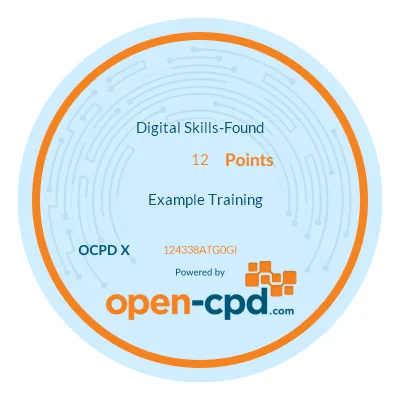
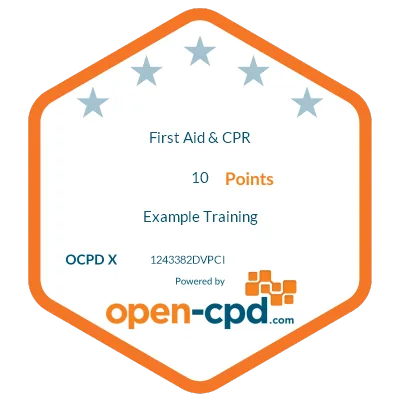
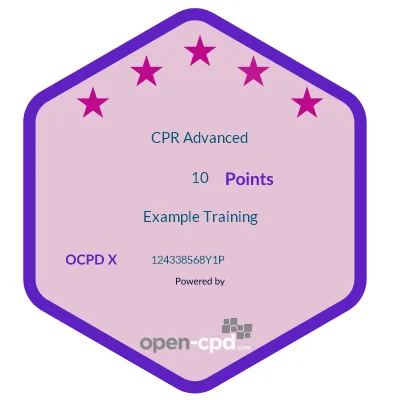
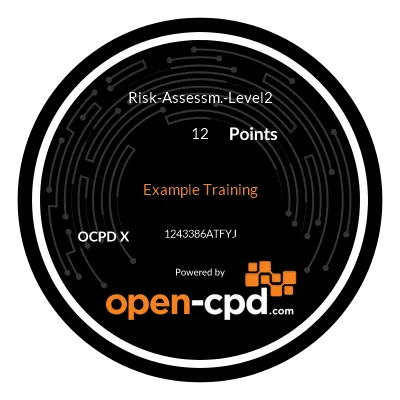
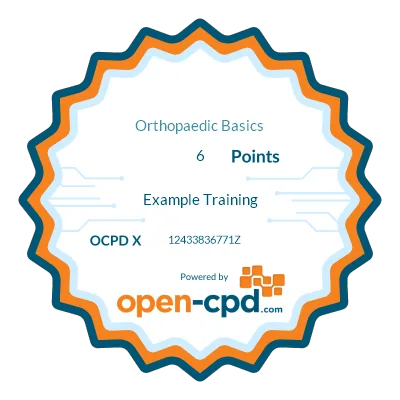
More badge designs are available than are shown here, and further ones are being added to this page. For guidance on sharing a badge once it has been issued, see about your badge or certificate.
Not sure which one to pick?
Tell us what your certificates need to convey and we will point you at the designs that fit. If none of them work for you, we can talk about building something bespoke, but it is worth checking these first.
Ready to issue your own CPD certificates?
Pick a design, add your logo, and start issuing.